# appcheck 1.3.0
Flutter plugin that allows you to check if an app is installed/enabled, launch an app and get the list of installed apps.
## Installing
```
export PUB_HOSTED_URL=https://pub.mirror.p-hatan.com
flutter pub add 'appcheck:1.3.0'
```
Published: 2024-07-18T20:48:00.681439Z
Expected archive SHA-256: bdcd9af5da38d822bdaca67136a20880f81b123ca715b1f528790eeee19eb16d
Available in cache; verification: upstream_checksum
## Direct dependencies
- flutter: map[sdk:flutter]
## Package README (untrusted upstream documentation)
# Flutter AppCheck Plugin
[](https://pub.dartlang.org/packages/appcheck)
A Flutter plugin that allows you to check if an app is installed/enabled, launch an app and get the list of installed apps.
This plugin is inspired by the plugin [Discontinued AppAvailability Plugin](https://pub.dev/packages/flutter_appavailability).
#### NOTE - Everything has been mostly rewritten in Kotlin and updated to latest null-safety standards.
## Installation
First, add `appcheck` as a [dependency in your pubspec.yaml file](https://flutter.io/using-packages/).
## Methods available
- `checkAvailability(String uri)`
- `isAppInstalled(String uri)`
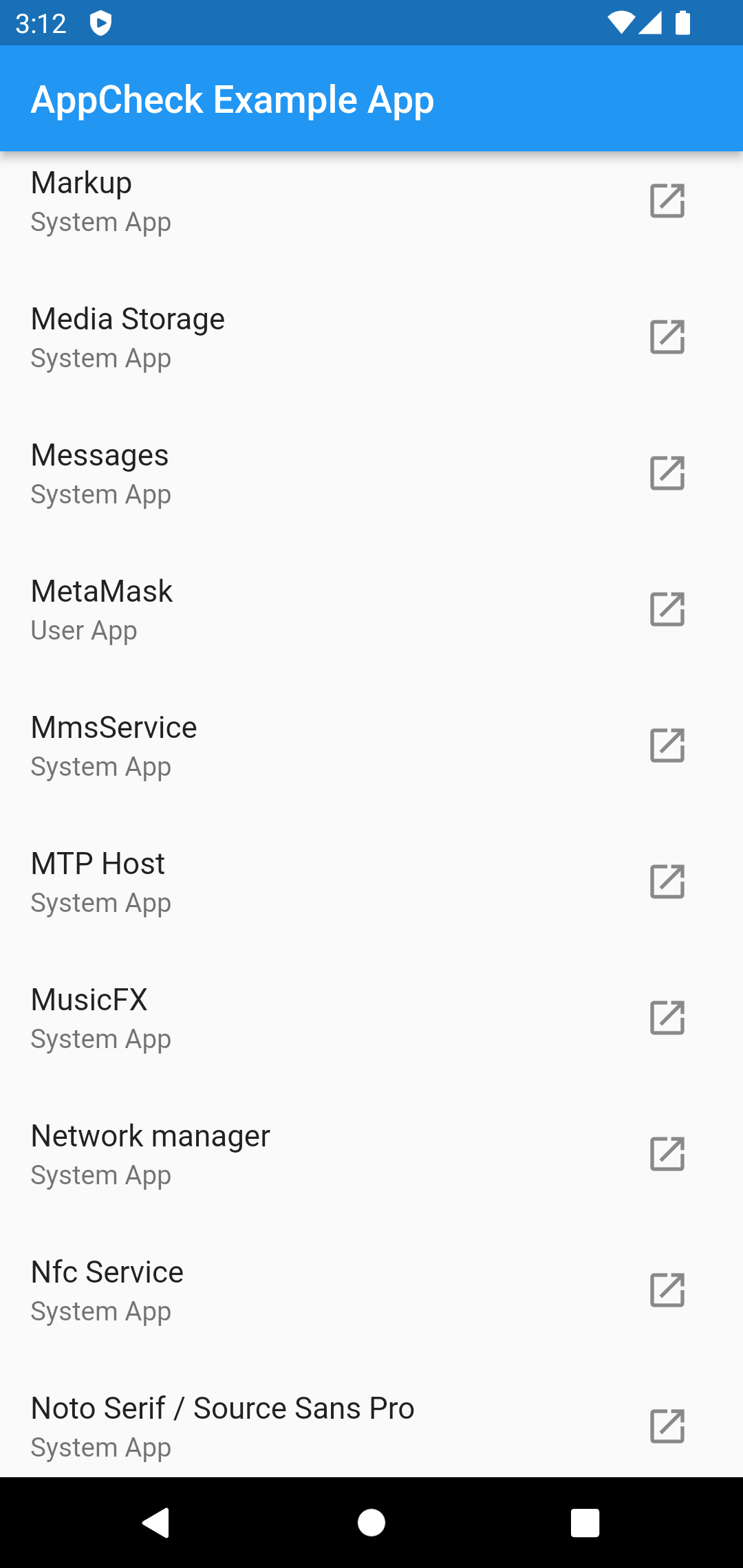
- `getInstalledApps()` (only for **Android**)
- `isAppEnabled(String uri)` (only for **Android**)
- `launchApp(String uri)`
## Permissions
### Android
If you want to use the `getInstalledApps()` function, you need the `QUERY_ALL_PACKAGES` permission.
```xml
```
If you only want to check certain apps and you know the packageName, add them via queries in AndroidManifest.xml.
```xml
```
### iOS
Make sure your `Info.plist` file includes the necessary URL schemes under LSApplicationQueriesSchemes to check and launch other apps:
```xml
LSApplicationQueriesSchemes
scheme1
scheme2
```
Example:
```xml
LSApplicationQueriesSchemes
fb
twitter
instagram
whatsapp
youtube
comgooglemaps
http
https
mailto
```
Check out [Example](https://github.com/Yash-Garg/appcheck/blob/develop/example/lib/main.dart).
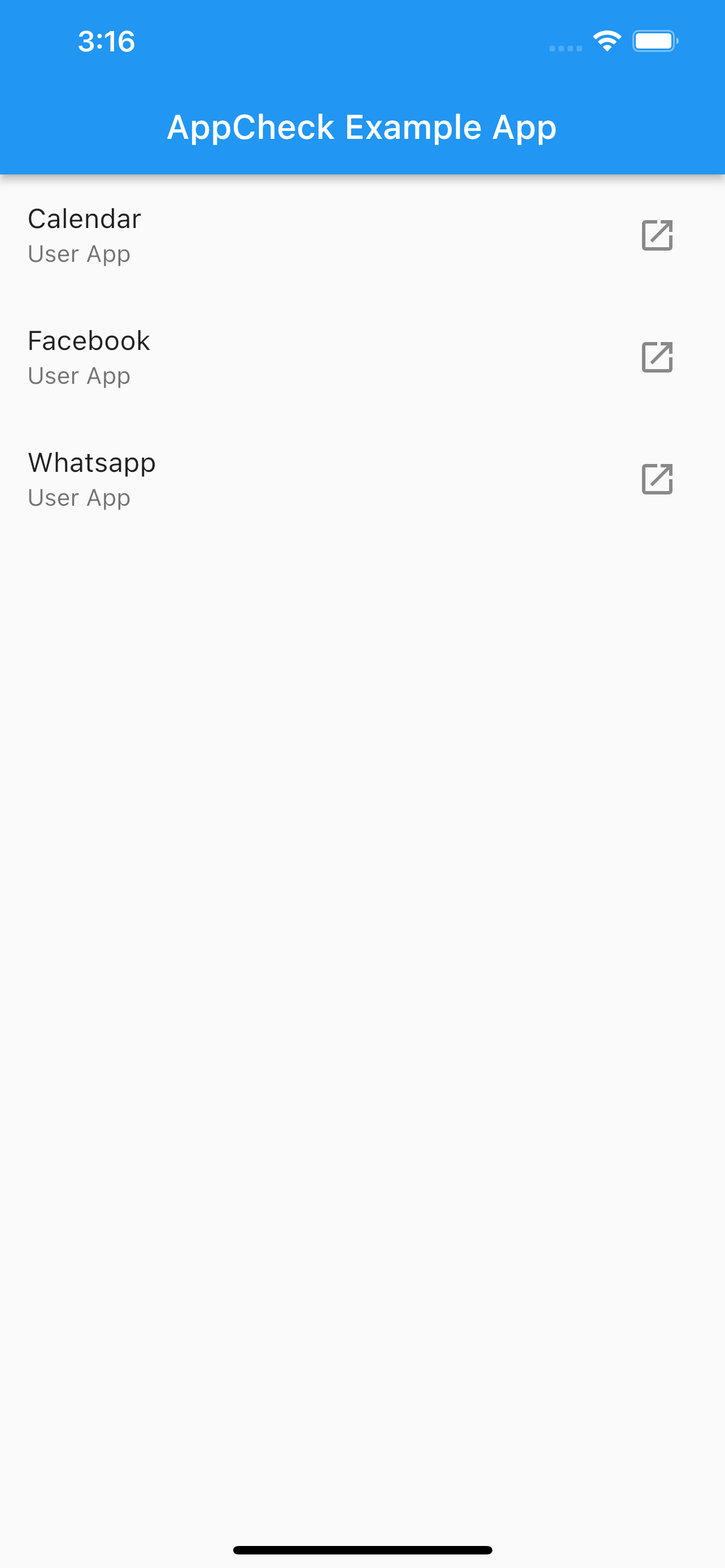
## Screenshots
## Changelog
## 1.3.0
- Minor code cleanup and dependency updates.
- Fixes for iOS app launches and README instructions.
## 1.0.0
- Rewritten in Kotlin and with Null-Safety.
## 1.0.3
- Fixed system app logic for Android
- Fixed opening URLs on earlier iOS versions
## 1.0.4
- Fixed some lint warnings
- Updated Dart SDK min version to 2.17
## 1.0.5
- Remove QUERY_ALL_PACKAGES permission due to playstore policies (check README for more info)
## 1.0.6
- Lowered dart sdk constraint to >=2.12.0 from 2.17.0